Work with integrations
Messengers and connectors: how to connect an agent to Telegram, Slack and outside services.
Integrations widen where an agent is available and what it can do. There are two kinds: messengers (talk to the agent where it suits you) and connectors (the agent uses outside services).
Where to set it up
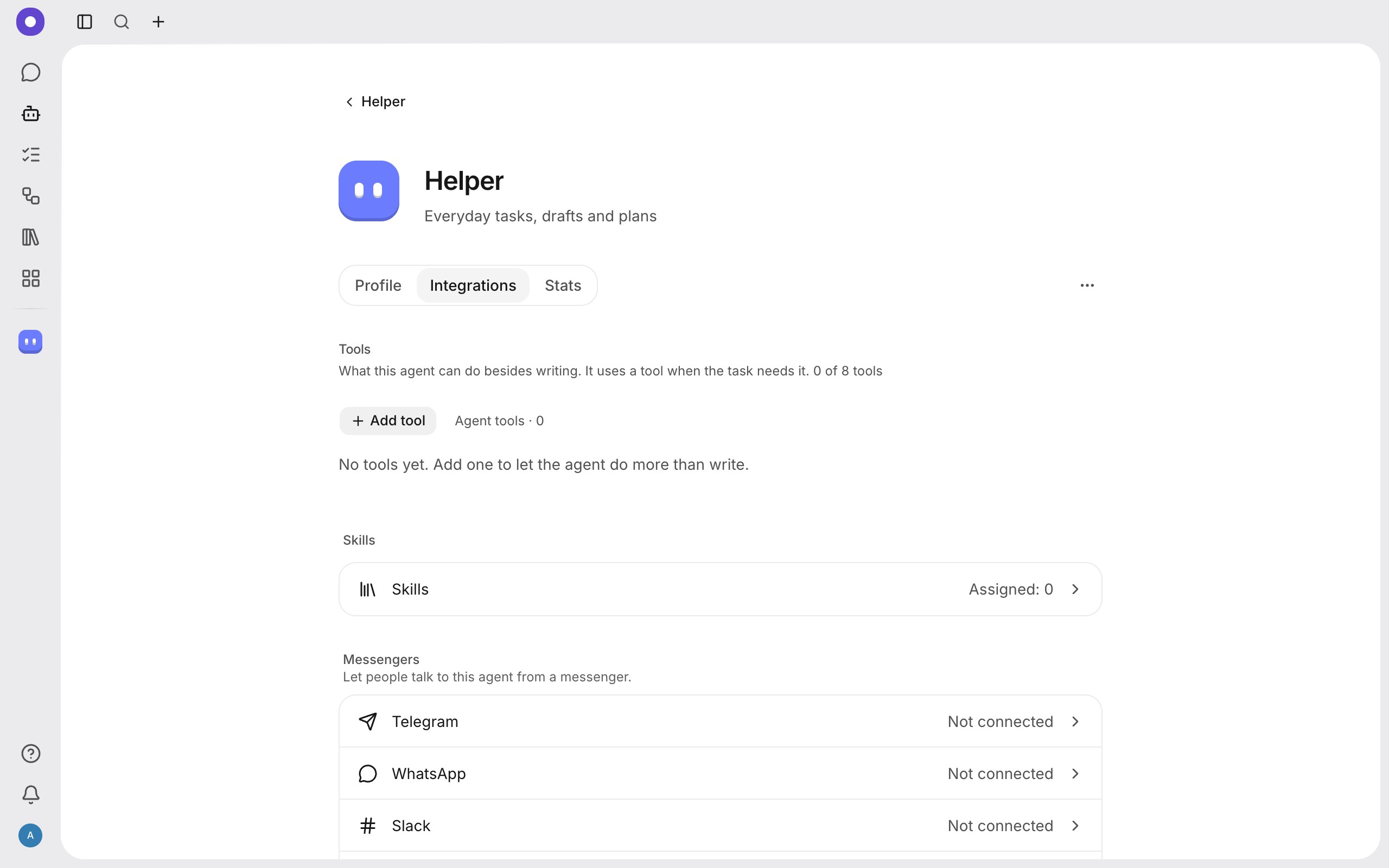
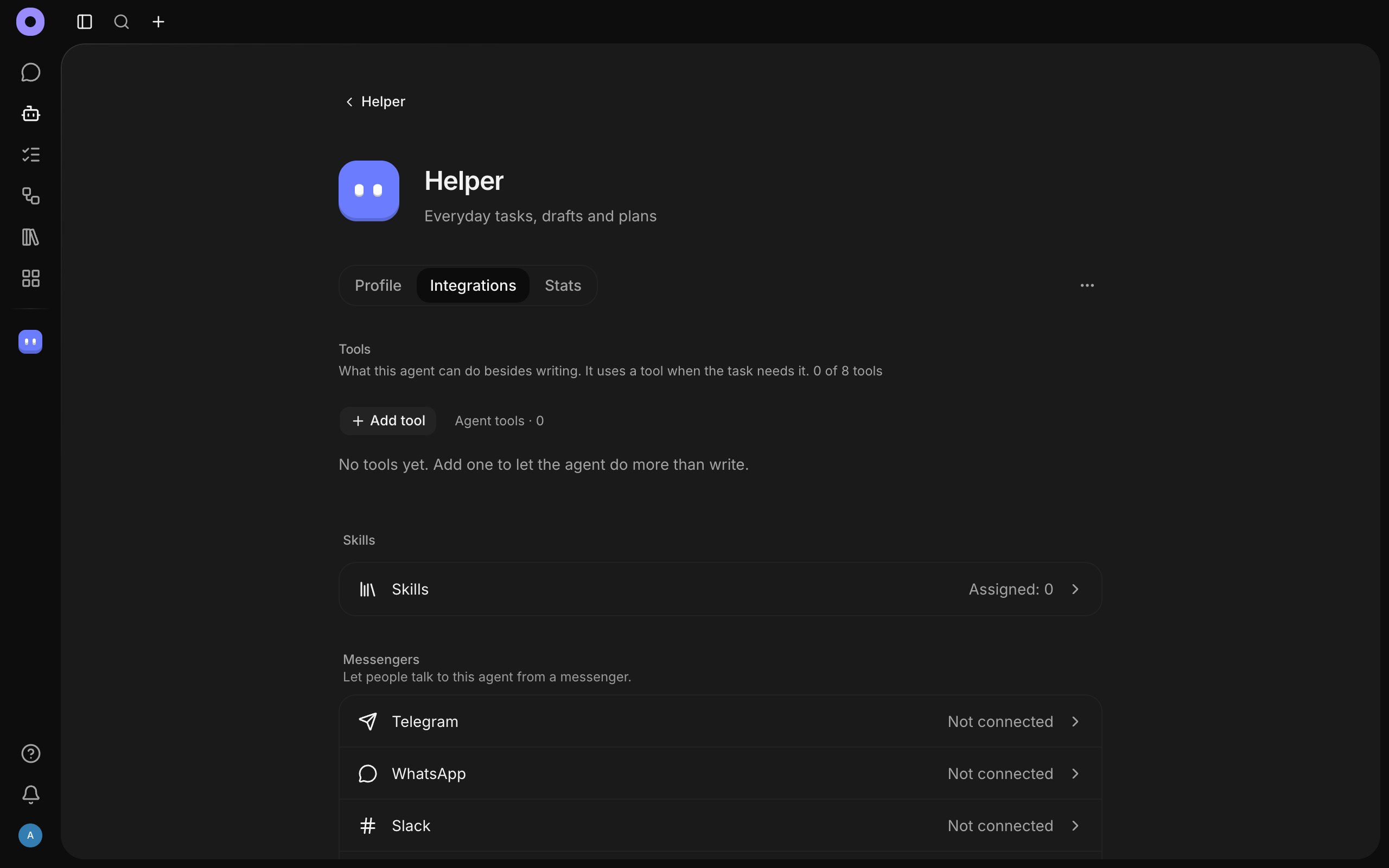
Open the agent, select Configuration and go to the Integrations tab. It has three blocks: Tools (the Add tool button), Skills and Messengers.
Messengers
An agent can be connected to Telegram, WhatsApp, Slack, Discord and Viber. It is set up per agent (on the web and the desktop). Next to each messenger you see whether it is connected.
- Open a messenger in the Messengers block and enter the details of your bot or account (a token, keys). Movl checks them first and connects only after that.
- Copy the pairing code Movl shows.
- In the messenger send that code to the bot (in Telegram,
/start <code>). The chat is now linked to the agent.
Good to know:
- One bot or number connects to one agent.
- The pairing code keeps strangers out: without it the bot answers nobody and spends none of your credits. Up to 10 chats can be linked to one connection.
- Messages run as the person who connected the messenger, on their credits. The conversations show up in the app, where you can continue them.
- The
/newcommand in a messenger starts a new conversation. - Group chats are off until an editor allows them. In a group the agent answers only when it is mentioned.
Connectors
A connector plugs an outside service into the agent (Google Calendar, Notion, Linear, GitHub, or your company's server over the MCP protocol). Each capability of the service becomes a tool of the agent.
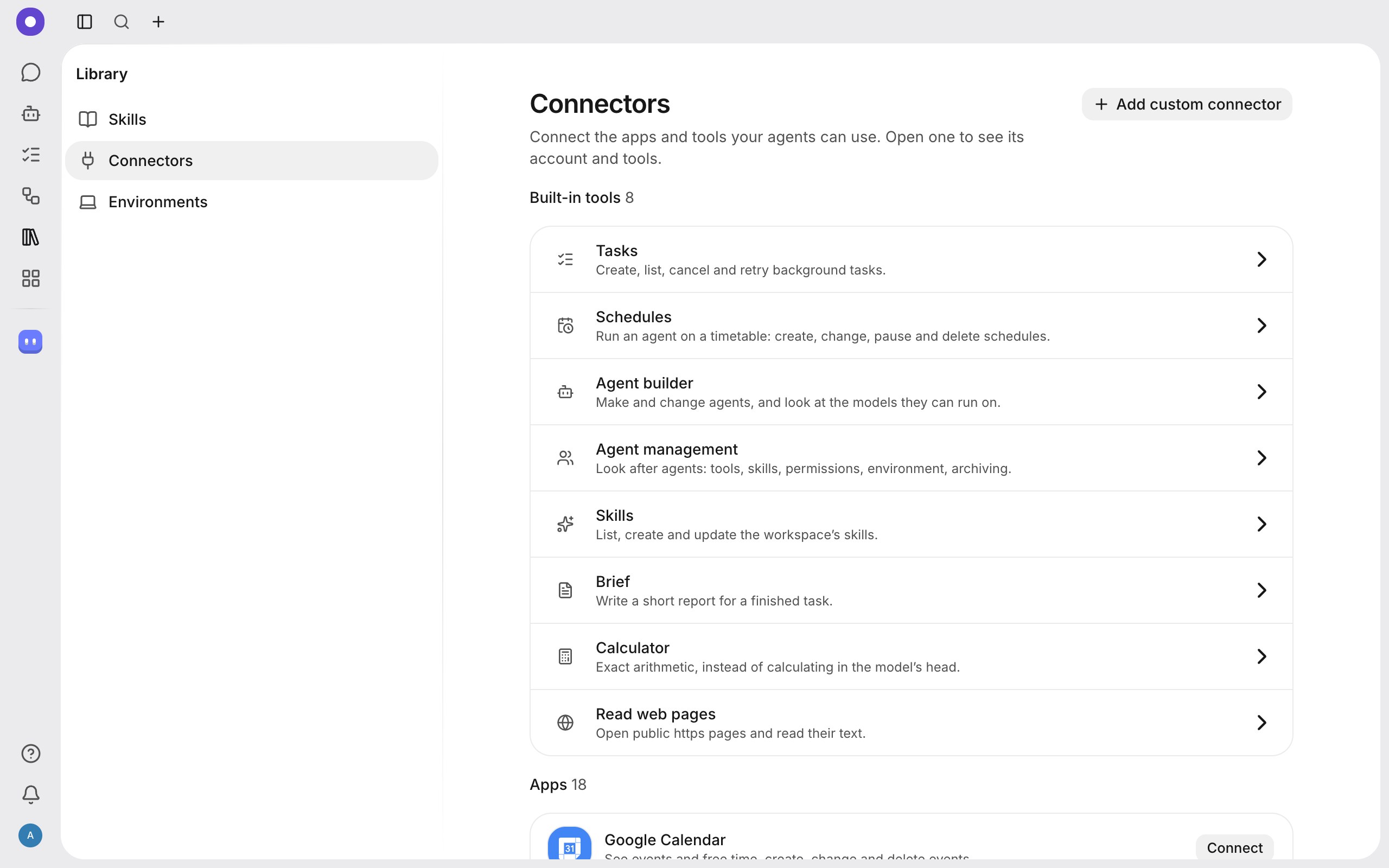
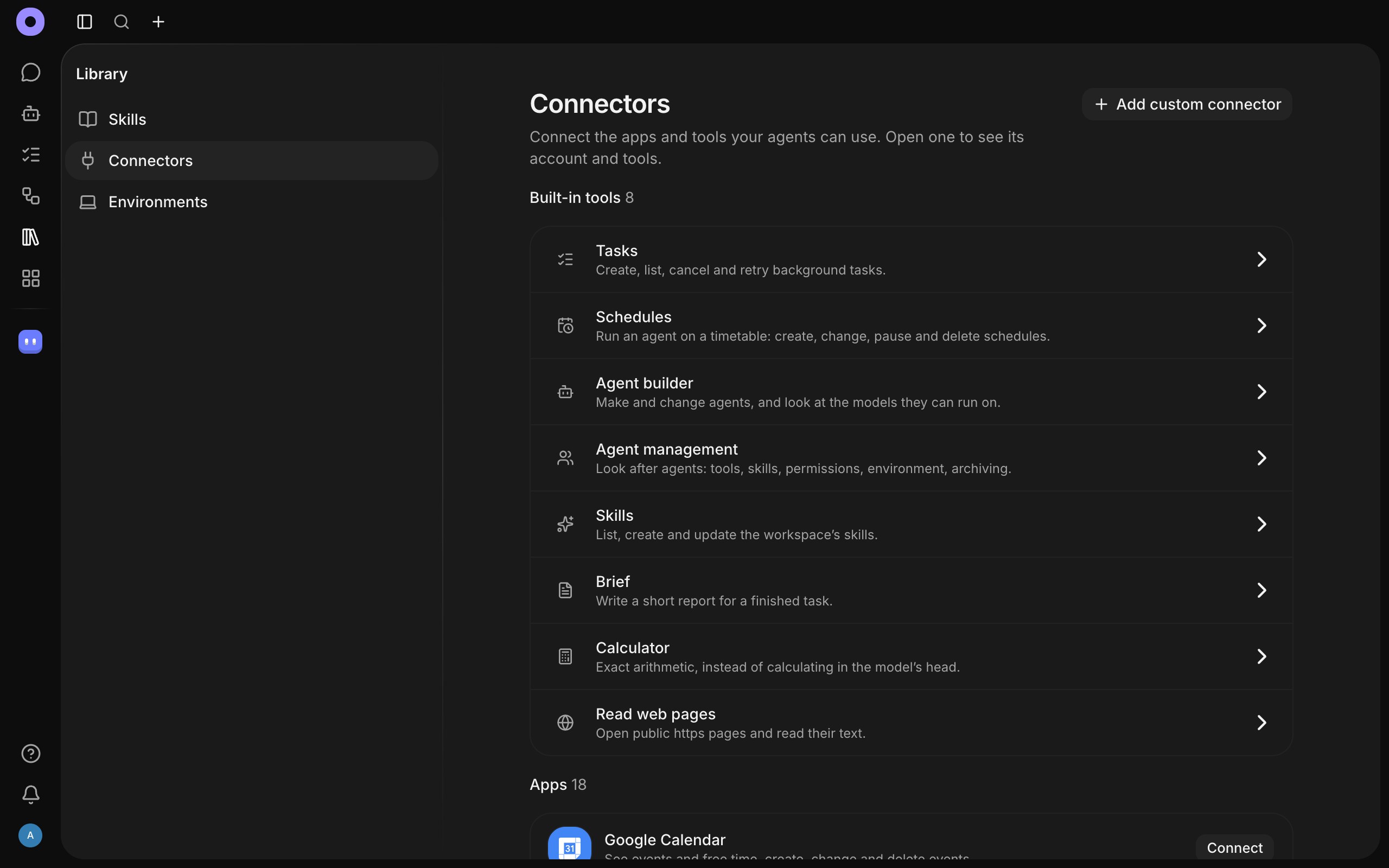
- Open Library → Connectors. At the top are the Built-in tools (ready to use), below them the Apps with a Connect button.
- To connect your own server, select Add custom connector. Enter the server address and the way to sign in: no sign-in, an API key or OAuth, select Check connection, and once it works, Install.
- Open the agent, and on the Integrations tab select Add tool and pick the capabilities you want.
The agent calls a connector on its own when the work needs it. If an action needs your permission, you see a question.
Skills
A skill is a ready set of instructions the agent loads when needed, for example "how to write the weekly report". Skills live in the Library (the "Skills" section) and attach to agents like tools do.
Security
Keys and tokens are stored encrypted and are never shown again. Connect only services you trust.